
TL;DR
-
Network optimization is the ongoing process of improving performance, reliability, and security by monitoring your infrastructure and addressing bottlenecks before they disrupt users.
-
Key metrics like latency, bandwidth utilization, jitter, packet loss, throughput, and availability help reveal where network performance is breaking down.
-
In multi-location environments, poor performance often stems from congestion, outdated infrastructure, inconsistent configurations, and the distance between users, branches, and cloud services.
-
Businesses can improve network performance by resolving issues proactively, tuning settings, prioritizing critical traffic, upgrading resources when needed, and maintaining ongoing visibility into the network.
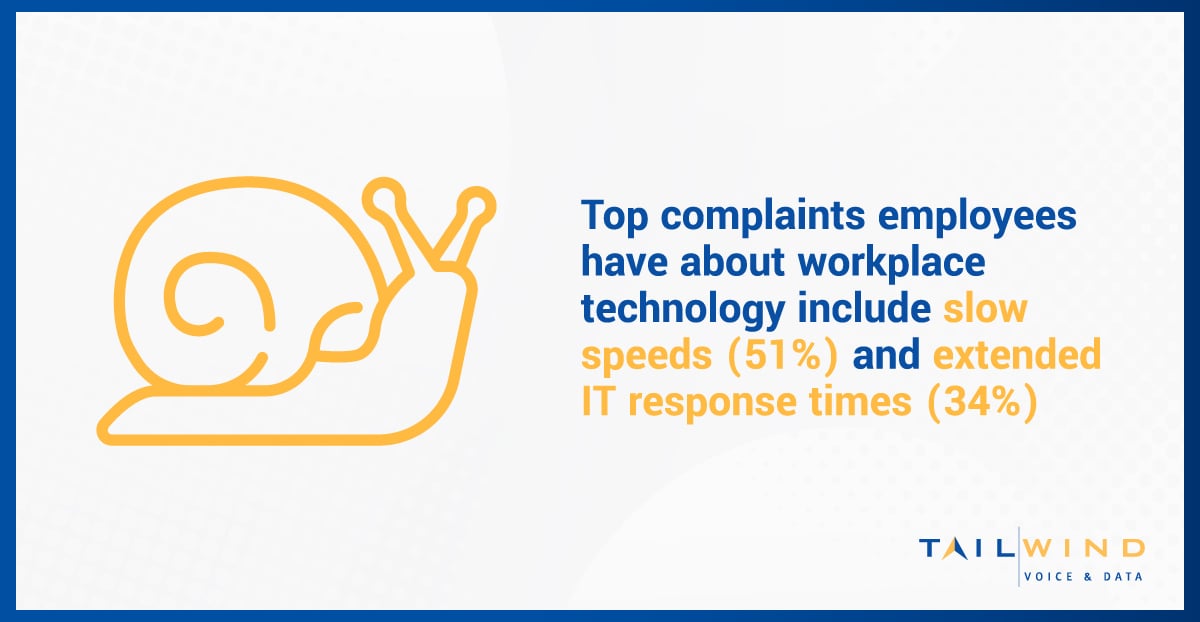
An optimized network can mean the difference between a smooth workflow and a sluggish experience that hinders productivity and business growth. A staggering 91% of employees say they’re frustrated with their workplace’s inadequate technology, with slow speeds (51%) and extended IT response times (34%) coming in as the top complaints.1
As demand for seamless connectivity, responsive cloud-based applications, and real-time collaboration rises, optimizing your business network is more important than ever. Read on to learn more about the importance of network optimization and how to improve network performance, security, and reliability.
What Is Network Optimization?
Network optimization is the process of continuously monitoring, analyzing, and improving the performance of a business’s network infrastructure. It involves identifying and eliminating bottlenecks, optimizing bandwidth allocation, and implementing various techniques to ensure the network operates at peak efficiency.
Businesses often overlook the importance of network optimization, assuming that their existing network is sufficient. Unfortunately, ignoring optimization can lead to decreased productivity, security vulnerabilities, and a poor user experience as network demands increase with your growing organization.
What Is The Goal Of Network Optimization?
Improved Performance
Optimizing your network helps improve speed, reliability, and overall performance, creating a smoother experience for both employees and customers. When applications load faster, connections remain more stable, and network slowdowns are reduced, teams can work more efficiently and communicate without unnecessary disruption.
Stronger Security
A well-optimized network can reduce vulnerabilities and help lower the risk of cyber threats, data breaches, and other security incidents. Better visibility into network activity also makes it easier for IT teams to detect unusual behavior, address weak points, and support a more secure operating environment.
Cost Savings
By improving the efficiency of your existing network infrastructure, you may be able to delay unnecessary hardware upgrades, reduce wasted bandwidth, and lower overall operating costs. This allows businesses to get more value from their current resources while making smarter decisions about when and where to invest in future network improvements.
What Metrics Impact Network Performance?
Measuring key network performance metrics can help you identify issues and set the baseline for your network optimization KPIs. Here are the metrics to monitor when optimizing your enterprise network:
Latency
Latency is the time it takes for a data packet to travel from source to network destination. High latency causes delays, lag, and frustration for users, particularly in real-time applications like video conferencing.
Bandwidth Utilization
Bandwidth is the amount of data that can be transmitted over your network at any given time. Insufficient bandwidth can lead to slow data transfers, buffering, and poor application performance.
Jitter
Jitter refers to the amount of variation in latency over time. High jitter can cause performance issues with real-time applications, such as choppy audio or video quality during video calls or online meetings.
Availability
Availability measures how often network hardware and software function properly without downtime. While achieving 100% availability is unlikely for complex networks, striving for "five nines" (99.999%) availability is crucial for optimal network performance.
Packet Loss
Packet loss occurs when data packets fail to reach their intended destination. Even a small amount of packet loss can impact network performance and the user experience.
Network Throughput
Throughput is the rate that messages are successfully delivered over a network. Factors like latency, congestion, and packet loss can decrease the network throughput rate, resulting in poor application performance.
What Causes Poor Network Performance?
In multi-location environments, network performance issues rarely come from a single source. More often, they result from a combination of traffic growth, aging infrastructure, inconsistent configurations, and the physical distance between users, branch offices, cloud platforms, and data centers. IBM notes that network latency and overall performance are influenced by factors such as distance, infrastructure, congestion, and packet size, all of which become harder to manage as networks expand across more sites.
Distance, Congestion & Application Demand
As businesses add more locations and rely more heavily on SaaS platforms, voice systems, video meetings, and cloud-hosted data, traffic has to travel farther and compete for shared resources. That can introduce higher latency, more jitter, and inconsistent application performance, especially during peak usage periods. Real-time applications are often affected first because they depend on stable, low-delay packet delivery.
Outdated Infrastructure & Misaligned Capacity
Performance can also decline when older routers, switches, firewalls, or internet circuits no longer match current demand. In some cases, the issue is not a complete lack of bandwidth, but a mismatch between available capacity and the way traffic is actually being used. A branch office may have enough bandwidth on paper, for example, yet still struggle because critical applications are competing with less important traffic across the same links. IBM specifically highlights up-to-date hardware, software, and resource planning as key parts of optimization.
Configuration Problems That Compound Over Time
As networks grow, configuration drift can become a serious problem. Inconsistent policies, poorly tuned QoS rules, routing inefficiencies, and outdated settings can all undermine performance even when the underlying network is otherwise capable. That is one reason network optimization should be treated as an ongoing process rather than a one-time fix. Continuous monitoring, maintenance, and adjustment are essential if you want performance to remain stable across all of your locations.
How To Diagnose Network Issues
Before you can improve network performance, you need to identify what is actually causing the problem. Slow application performance does not always mean you need more bandwidth. In many cases, the root issue is latency, packet loss, jitter, or an underlying configuration problem that is affecting how traffic moves across the network. Looking at symptoms in context helps your team focus on the right fix instead of treating every issue like a capacity shortfall.
When Bandwidth Is The Likely Issue
Bandwidth constraints typically show up when large file transfers, backups, software downloads, or heavy traffic periods slow down the entire network. If performance drops mainly during times of high usage, or if multiple applications begin competing for limited capacity at once, bandwidth may be the bottleneck. Still, that does not always mean a circuit upgrade is the only answer. In some environments, better traffic classification and resource allocation can significantly improve performance without immediately increasing spend.
When Latency Or Jitter Is The Bigger Problem
If users report lag during video calls, audio clipping, delayed screen sharing, or sluggish cloud app response even when utilization is not maxed out, latency or jitter may be the real culprit. IBM defines latency as the time it takes data to travel across a network, while Cloudflare defines jitter as variation between consecutive latency measurements. In practical terms, a connection can have reasonable bandwidth and still perform poorly for real-time communication if delay is inconsistent.
When Packet Loss Is Driving The Experience Down
Packet loss becomes especially important when calls drop, audio breaks up, video freezes, or sessions become unreliable. Cloudflare describes packet loss as the ratio of packets that fail to complete a round trip, and even modest loss can disrupt time-sensitive applications. When this happens, the issue may stem from congestion, faulty links, hardware problems, or unstable connections between locations.
When The Problem Points To Configuration
Some performance issues are more selective. Maybe one office struggles while others do not, or maybe one application consistently underperforms while the rest of the network appears normal. Those patterns often suggest a configuration issue rather than a network-wide capacity problem. Routing decisions, policy settings, device configurations, and QoS rules can all affect how traffic is handled from one site to another. That is why effective diagnosis depends on monitoring, baselining, and comparing traffic behavior over time instead of relying on isolated complaints.
Key Benefits Of Network Optimization
When managed effectively, network optimization helps businesses build more effective, efficient networks and enjoy advantages such as:
Enhanced User Experience
A well-optimized network provides a seamless and responsive experience for your employees and customers, whether they’re accessing cloud-based applications, collaborating on projects, or streaming multimedia content. With optimized latency, jitter, and bandwidth allocation, users can enjoy lag-free interactions with critical applications and services.
Improved Security Posture
Cyber security resilience is a top priority for 96% of business leaders.2 Network optimization can help security teams mitigate potential security threats faster, protecting your organization's critical data and assets from threats like data breaches, malware, and other cyber attacks. Network monitoring and analysis enable your staff to detect vulnerabilities, suspicious traffic patterns, and potential entry points for cyber threats, ultimately strengthening your security posture.

Increased Productivity
Eliminating network bottlenecks and improving performance reduces downtime and frustrations, enabling your teams to work more efficiently. Employees can access the network resources and applications they need without facing delays or interruptions, contributing to better job satisfaction and morale in addition to productivity gains.
Cost Efficiency
By maximizing the efficiency of your existing infrastructure, you can reduce operational costs and achieve a better return on investment. Effective network performance optimization strategies help your network teams identify and address issues like bandwidth waste, allowing you to make the most of your available resources and potentially delaying costly hardware upgrades or bandwidth increases.
Scalability & Future-Proofing
Implementing network optimization strategies can help you build a more flexible and scalable network infrastructure. This scalability ensures that your network can quickly adapt to changing business needs, support the introduction of new applications and services, and accommodate future growth without compromising performance or security.
Better Network Visibility
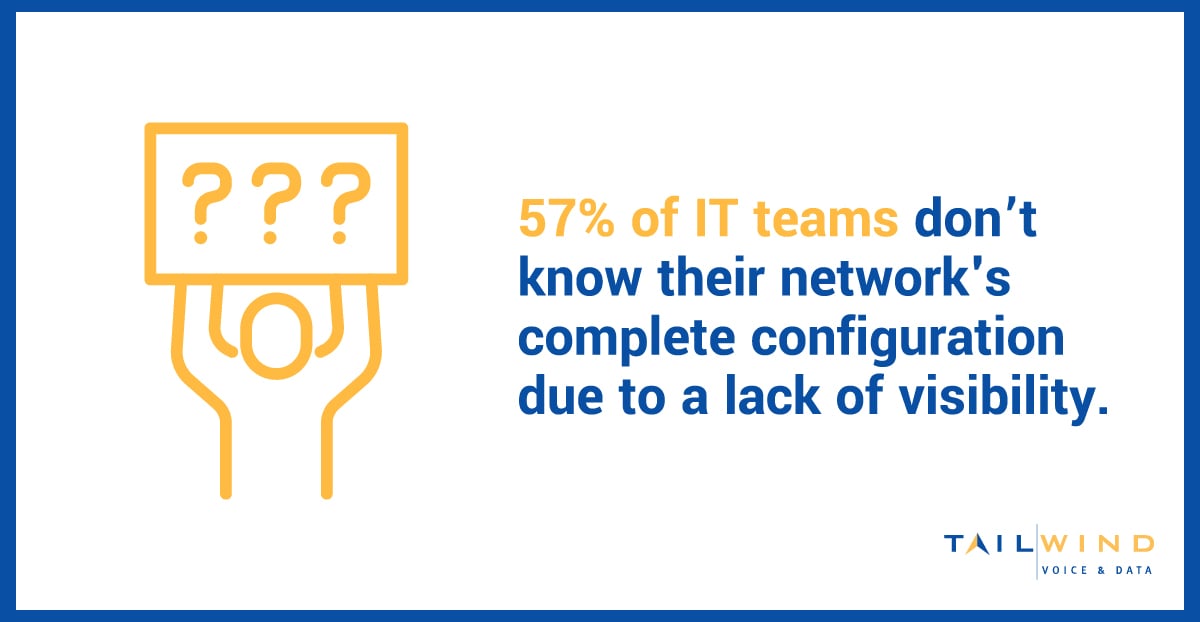
A 2022 survey found that 57% of IT teams didn't know their network's complete configuration due to a lack of visibility.3 Network optimization provides greater visibility into your network's performance, traffic patterns, and resource utilization, enabling IT staff to make informed decisions about your network's changing needs. Additionally, network performance optimization tools offer granular control over your network, so you can fine-tune settings and policies to meet specific requirements.
Network Optimization Strategies For Multi-Location Businesses
Ready to get started with network optimization? The strategies you follow will depend on your metrics and the network problems you've uncovered, but here are some steps you can take to get your multi-location IT network on the right track:
Troubleshoot & Resolve Network Issues
By proactively identifying and addressing network problems as they arise, your security teams can prevent them from impacting overall network performance. Troubleshooting techniques like analyzing network traffic patterns, monitoring system logs, and conducting diagnostic tests can help your staff pinpoint the root cause of issues and resolve them swiftly.
Optimize Network Connections
All network connections, cables, routers, switches, and other hardware components should be properly configured and functioning optimally. Regularly audit your network infrastructure and make necessary upgrades or replacements to improve performance and reliability.
Upgrade & Scale Network Resources
If your existing network resources are outdated or insufficient, consider upgrading to newer, more powerful hardware and increasing bandwidth capacity. This can involve replacing legacy routers and switches with faster, more efficient models, adding additional servers or storage solutions, and subscribing to higher-tier internet plans.
Configure Network Settings
Adjusting network settings like packet sizes, buffer sizes, and Quality of Service (QoS) policies can help optimize traffic flow and prioritize critical applications or services. Implementing traffic shaping techniques can also improve performance by controlling and regulating network traffic based on predefined rules and policies set by your network teams.
Traffic Prioritization For Critical Applications Across Locations
In multi-location environments, not all traffic should be treated the same. Prioritizing critical applications like voice, video conferencing, and cloud-based business systems helps ensure they continue performing well even during busy periods, while lower-priority activity is prevented from consuming resources that essential services depend on.
Implement Load Balancing & Content Delivery Networks
Load balancing distributes network traffic across several servers or resources to prevent overloads and ensure optimal resource utilization. Content Delivery Networks (CDNs) can help you reduce latency and improve content delivery speeds by caching and delivering web content from servers closest to the end-users.
Leverage Software-Defined Networking (SDN)
SDN solutions separate the control plane from the data plane, allowing for centralized management and dynamic reconfiguration of network resources. This enables greater flexibility, automation, and agility in optimizing network performance and adapting to changing business demands.
Establish Regular Network Maintenance Practices
Implementing a structured maintenance routine that includes software updates, security patches, system backups, and regular performance audits can help prevent issues that could impact network performance down the road. Regular maintenance also ensures that your network remains secure and compliant with industry standards.
Engage Network Experts & Managed Services
If your in-house IT team lacks the expertise or resources to optimize your network effectively, consider working with network experts or managed service providers. These professionals can provide guidance, implement best practices, and help you leverage the latest network optimization technologies and strategies.

Network Optimization FAQs
What Is Network Optimization In Simple Terms?
Network optimization is the ongoing process of improving how a network performs, so users can access applications, data, and communications tools more reliably and efficiently. It typically involves monitoring performance, identifying bottlenecks, and making adjustments to improve speed, stability, and visibility.
Why Is Network Optimization Important For Multi-Location Businesses?
Multi-location businesses often have more complexity to manage, including traffic moving between branch offices, cloud platforms, remote users, and central systems. That added complexity can make issues like latency, congestion, and inconsistent configurations harder to detect and resolve without a structured optimization strategy.
What Network Metrics Should Businesses Monitor First?
The most common starting points are latency, bandwidth utilization, jitter, packet loss, throughput, and availability. Together, these metrics help IT teams understand whether users are dealing with delays, instability, congestion, or more general service interruptions.
What Is The Difference Between Latency And Jitter?
Latency measures delay, or how long it takes data to travel across the network. Jitter measures how much that delay varies over time. A connection can have acceptable average latency and still perform poorly for voice or video if the latency is inconsistent.
Does Slow Network Performance Always Mean You Need More Bandwidth?
No. Bandwidth is only one part of the picture. Slow performance can also be caused by latency, packet loss, jitter, outdated hardware, congestion, or configuration issues that affect how traffic is routed and prioritized.
How Does QoS Help With Network Optimization?
QoS helps by identifying and prioritizing the traffic that matters most, such as voice, video, and other business-critical applications. That can improve performance during busy periods by making sure important traffic gets handled before lower-priority activity.
Can Network Optimization Improve Security Too?
Yes. While network optimization is primarily focused on performance and reliability, better monitoring and visibility can also help teams spot unusual traffic patterns, misconfigurations, and other issues that may increase security risk.
Is Network Optimization A One-Time Project?
No. IBM describes it as an ongoing process of adjustment and refinement. As businesses add users, locations, cloud services, and new applications, their network needs change, so optimization has to continue as well.
Tailwind: Your Strategic Partner For Network Optimization Success
Having a high-performing, secure, and reliable network is essential for modern businesses to remain competitive. However, optimizing a complex enterprise network requires a deep understanding of performance metrics, security best practices, and optimization strategies – all of which may be out of reach for overworked IT teams.
TailWind's complete network operations as a service (NOCaaS) solution provides ongoing support from our U.S.-based team of experts who oversee your business's network performance and troubleshoot issues 24/7. Our NOC specialists assess your network infrastructure, implement the right monitoring tools, and manage your networks so you can focus on your business instead.
Don't let a poorly optimized network hold your business back. Contact TailWind today to learn more about how our NOCaaS solution can help.
Sources:
- https://venturebeat.com/programming-development/the-product-50-winners-meet-2024s-top-product-and-growth-leaders/
- https://investor.cisco.com/news/news-details/2022/Cybersecurity-resilience-emerges-as-top-priority-as-62-percent-of-companies-say-security-incidents-impacted-business-operations/default.aspx
- https://www.auvik.com/wp-content/themes/auvik/downloads/2023-Network-IT-Management-Report.pdf